GoHighLevel white label dashboard
A GoHighLevel white label dashboard that looks like your own software
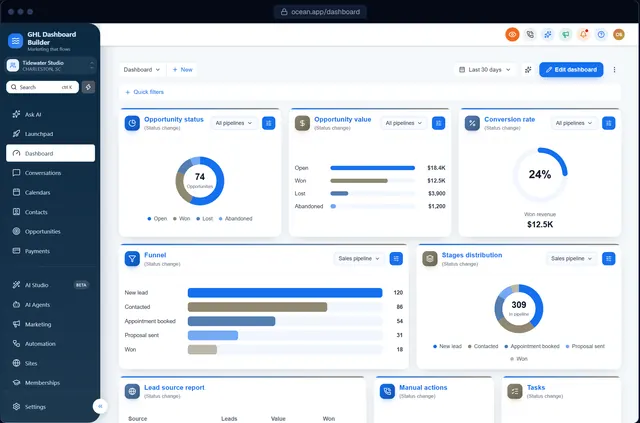
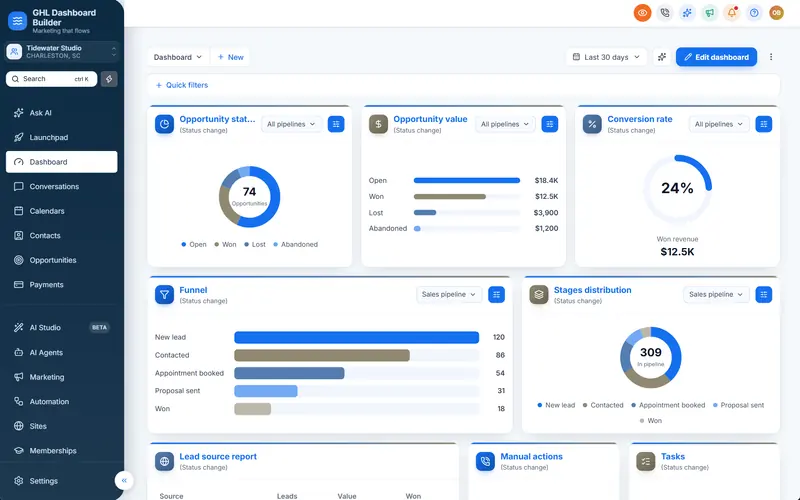
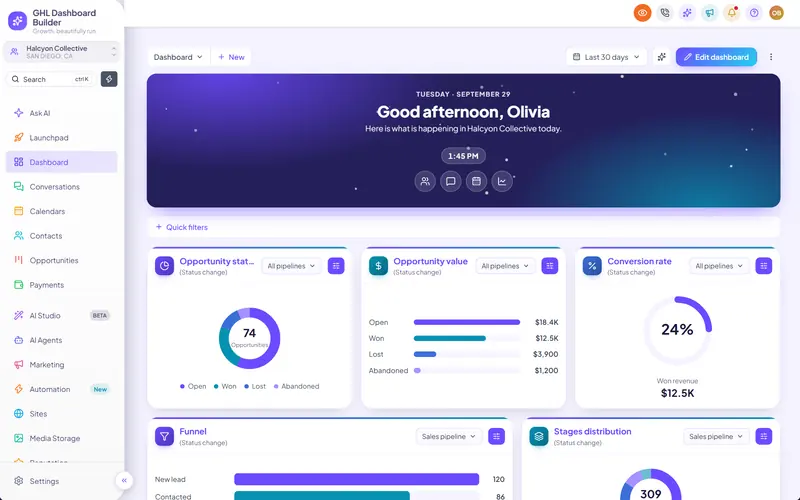
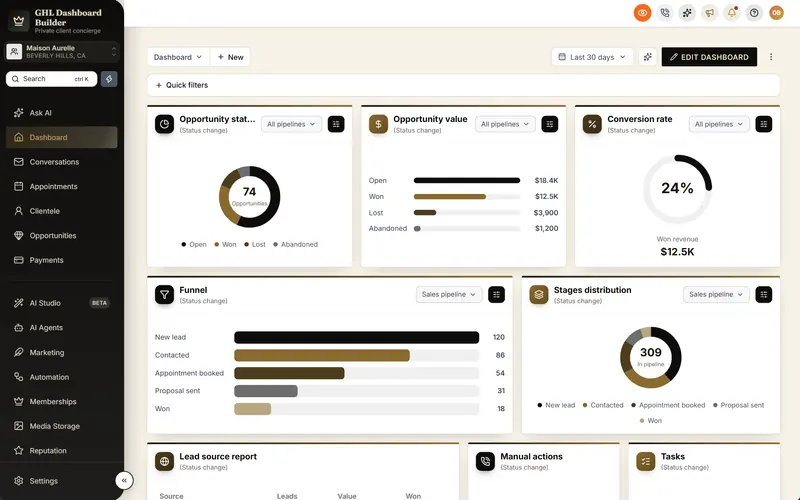
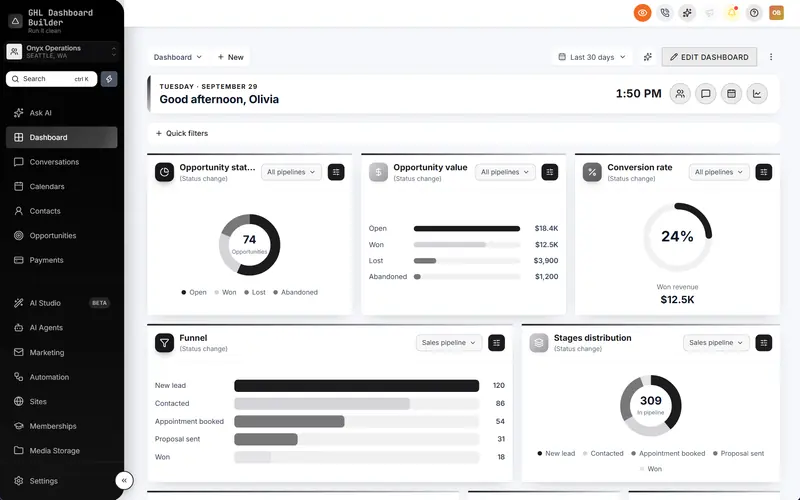
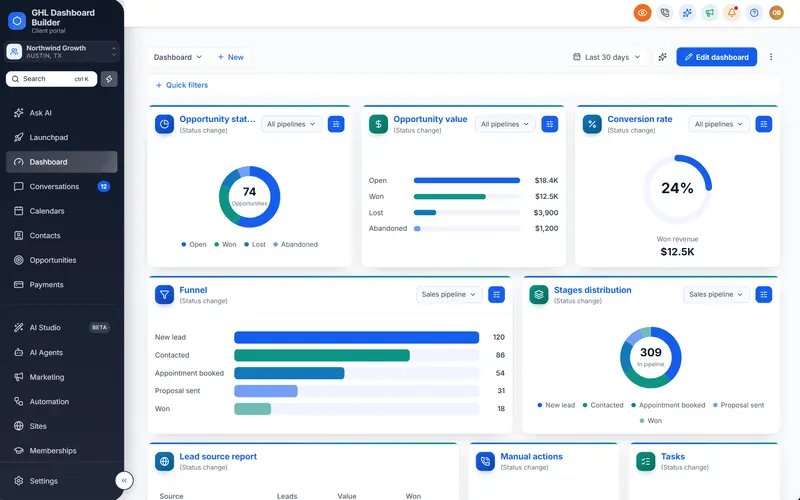
HighLevel's white label gives you your domain and logo. A branded dashboard does the rest: your colors, your words in the menu, your login page and your clients' language.
What does a GoHighLevel white label dashboard include?
HighLevel's agency white label covers your domain, logo and favicon. A fully white-labeled dashboard also changes HighLevel's colors, fonts, sidebar, menu wording, Dashboard and login page through the agency's custom code, so the platform looks like your own software. GHL Dashboard Builder designs and installs that layer.
Last updated
What you can change
What a full white label adds on top of HighLevel's
Your brand everywhere
Colors, fonts and buttons across every HighLevel screen, not just the logo.
Your words
Menu items renamed for your clients' industry: Patients, Jobs, Members, Deals.
Your login page
A branded sign-in page that matches the dashboard (Pro and Agency).
Your clients' language
15 languages, with Arabic, Urdu and Hebrew right-to-left (Pro and Agency).
Privacy mode
Hide client data with one click during demos and screen shares.
Per-client branding
Brand the whole agency, or just the sub-accounts you choose.
How it works
GoHighLevel white label dashboard in three steps
No developer needed, and nothing changes in HighLevel until we install it.
- 1
Design it in the builder
Start from a template, add your brand, and check every screen on desktop, tablet and phone. Free, no sign-up, on a live copy of HighLevel's screens.
- 2
Choose a plan
Pay once for your plan plus a one-time $100 setup fee. No monthly fees.
- 3
We install it in HighLevel
We add two short lines to Settings → Company → Whitelabel → Custom Code (CSS and JavaScript), configure it and check every screen.
Compare
HighLevel's white label vs a fully branded dashboard
| Question | HighLevel white label | Hire a developer | With GHL Dashboard Builder |
|---|---|---|---|
| Your domain and logo | Yes | Yes | Yes (from HighLevel) |
| Your colors and fonts on every screen | Limited | Yes | Yes |
| Menu wording for your industry | No | Custom JavaScript | Yes, in the menu editor |
| Branded login page | Logo only | Custom CSS | 25 designs |
| Ongoing upkeep | None needed | Billed hourly | 12 months included (lifetime on Agency) |
Which plan? Every plan brands the dashboard. Pro adds menu wording, the login page and languages; Agency adds up to 100 designs, one per client, and a look designed by our team. All one-time payments.
See plansFAQ
GoHighLevel white label dashboard: questions agencies ask
Is GoHighLevel white label enough on its own?
It gives you your domain and logo, which is the foundation. The interface itself still looks like HighLevel; a branded dashboard changes the colors, menu wording, login page and language so it feels like your own product.
Can my clients tell it's HighLevel?
Your domain, logo, colors and menu wording are yours, so the day-to-day experience is your brand. HighLevel's features and some page text remain HighLevel's own.
Can I white label the dashboard per client?
Yes. A design can apply to the whole agency or only the sub-accounts you choose, and Agency includes up to 100 designs.
Can I resell the branded dashboard?
Yes. You pay us once, then charge your clients whatever you like as a setup fee, premium tier or part of your plan. We take no share.
Does white labeling the dashboard affect HighLevel's features?
No. Everything works the same: the theme changes how HighLevel looks and what its menu says, not what it does or the data in it.
White label your GoHighLevel dashboard
Try it free in the builder, no sign-up. When you're happy, pay once and we install it for you.