

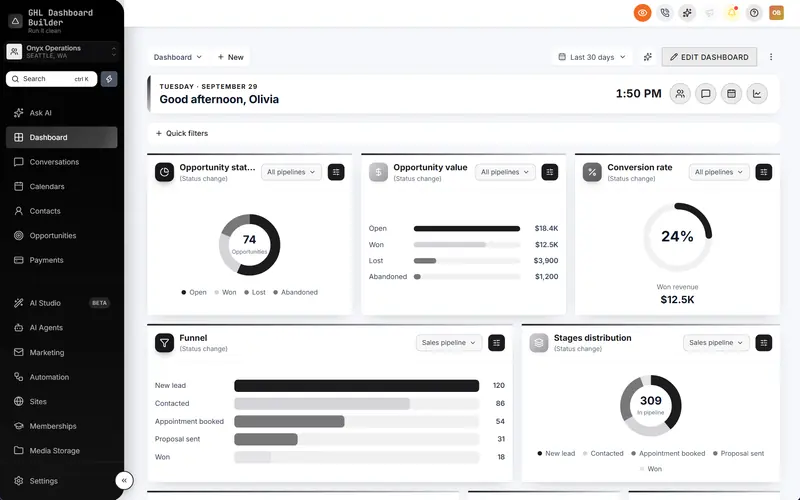
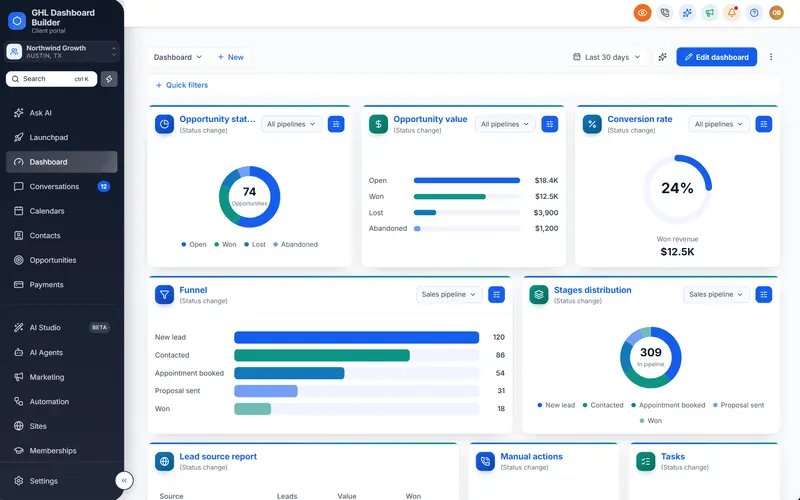
GoHighLevel login page
GoHighLevel login page customization, in your colors
The login page is the first screen your clients see. Pick one of 25 designs, from a clean card to a photo split or a highlights panel, and it installs on your white-label sign-in page.
Can you customize the GoHighLevel login page?
Yes. HighLevel shows your agency logo on the white-label login page, and custom CSS in the agency's Custom Code settings can restyle the rest. GHL Dashboard Builder gives you 13 login page designs in your colors, previewed live, and installs them with the rest of your theme from the Pro plan.
Last updated
What you can change
What you can change on the login page
25 designs
A clean card, a brand panel, photo splits, a highlights panel and more, each in your colors.
Background
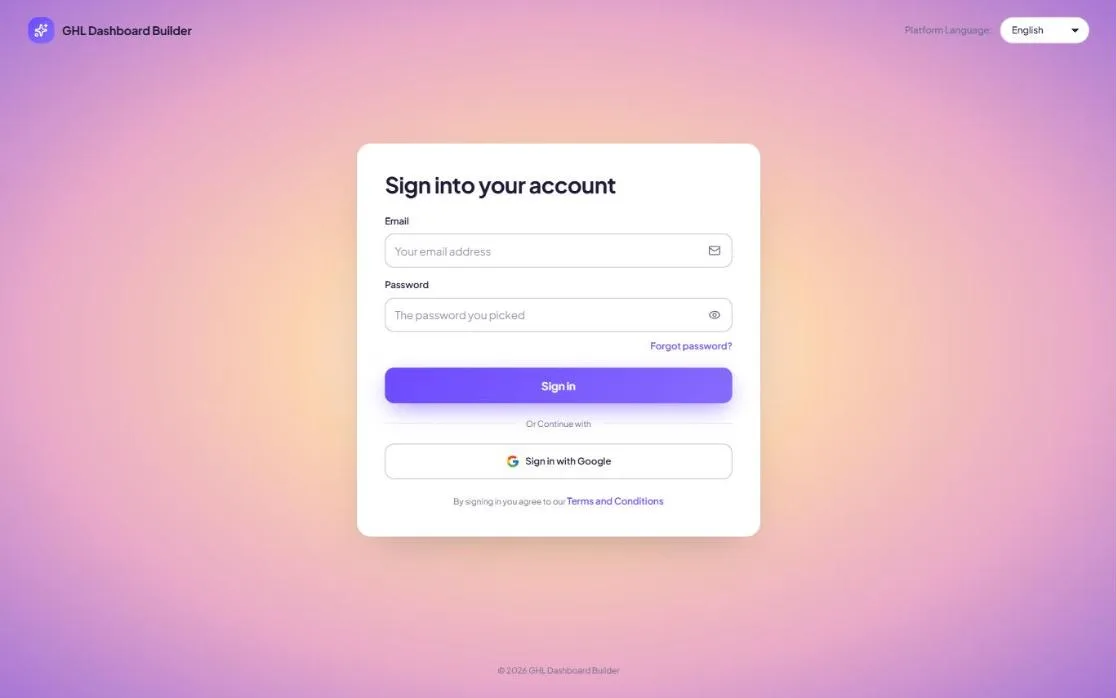
A color, a pattern or a photo with your own overlay strength, or a gradient: linear, oval, circle or colour wheel, with 2 to 5 colours.
Your logo
The agency logo HighLevel already shows, sized and placed for the design.
Headline and text
Your own headline, subtitle and footer line above and below the sign-in form.
What to show
Show or hide the Google button, the forgot-password link and the terms line.
Language picker
HighLevel's Platform Language picker stays, styled to match.
Examples
How your branded login page can look
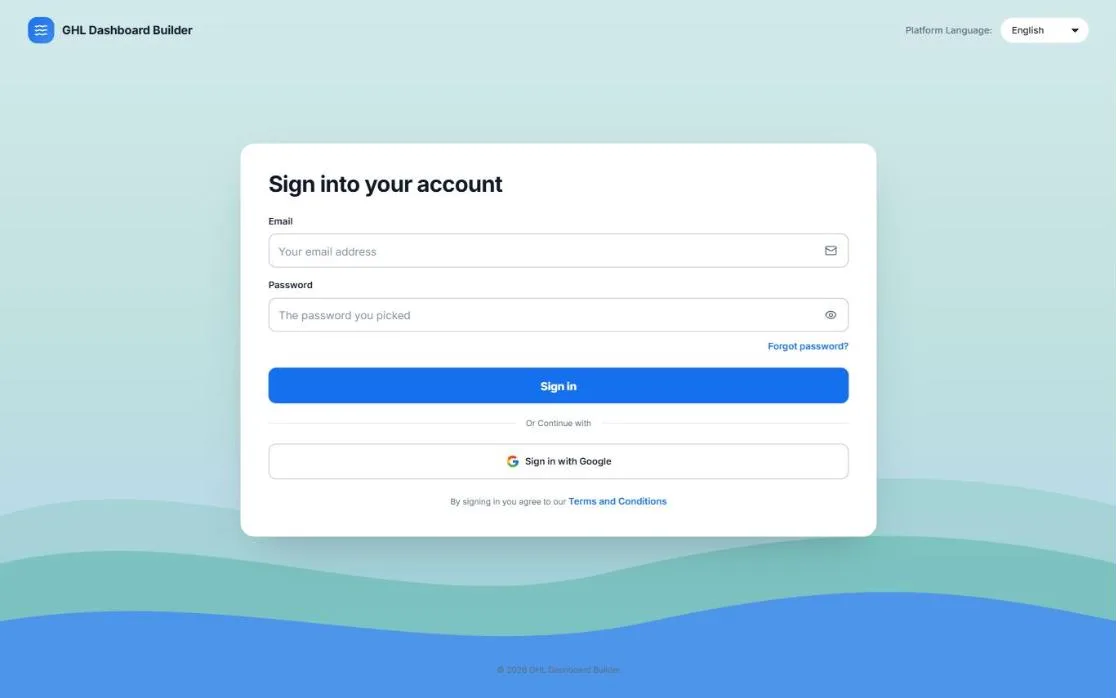
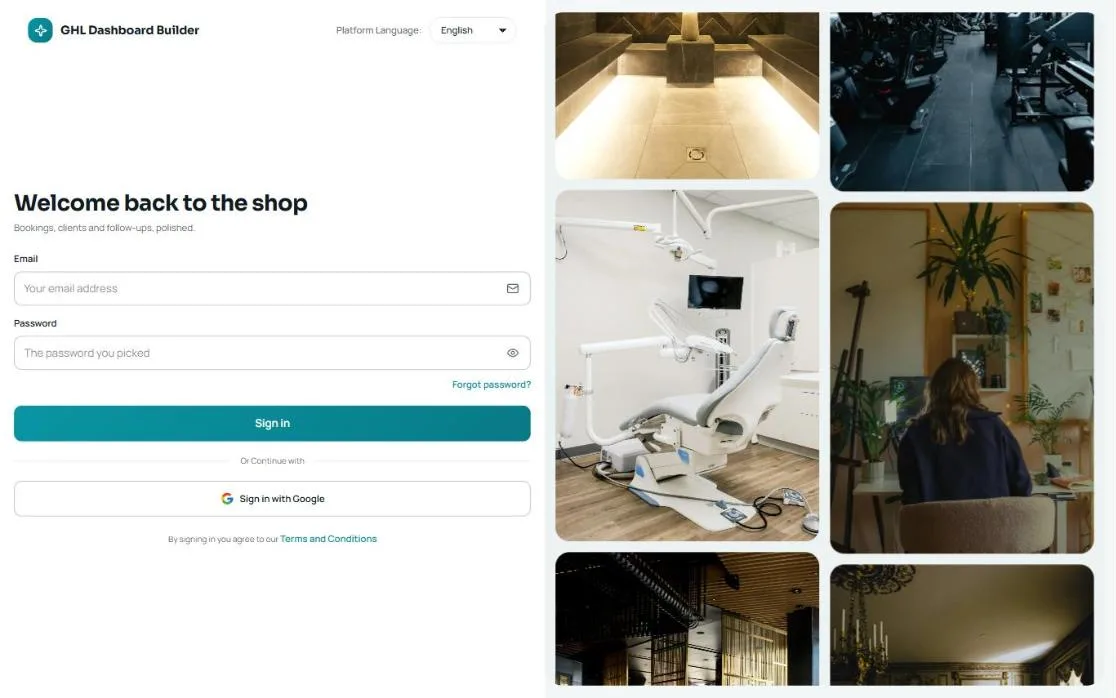
Real renders of our login designs, not mock-ups. Each one is shown in one of our template palettes; yours uses your logo, colours, fonts and text.
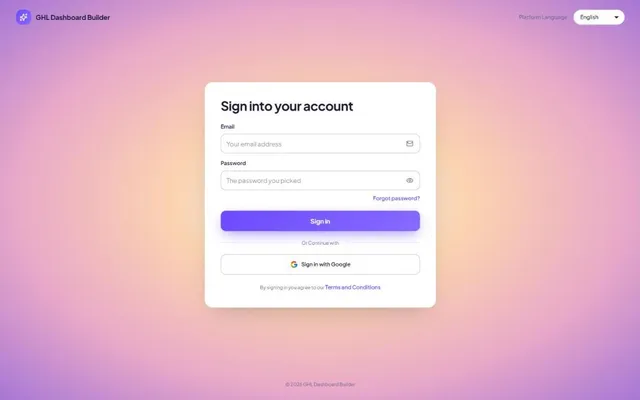
Sunset gradientA centred card on an oval gradient you design 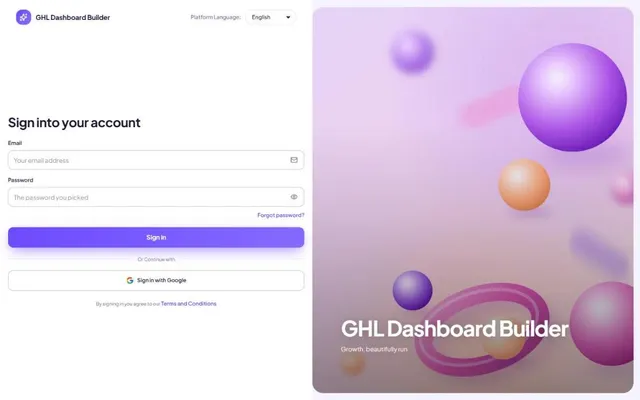
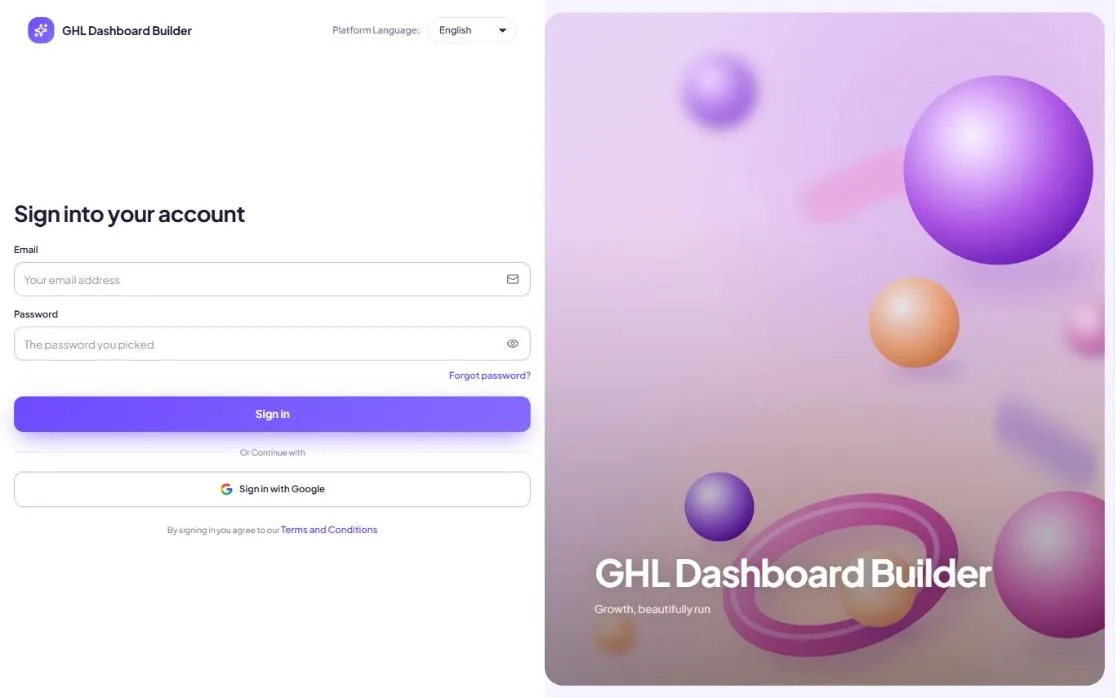
Floating shapesSign-in on the left, soft 3D shapes and your headline 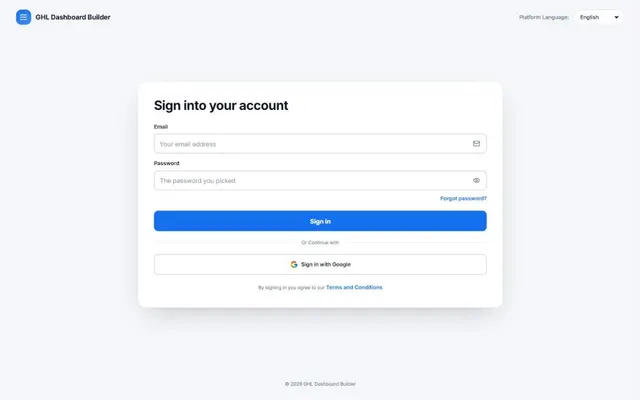
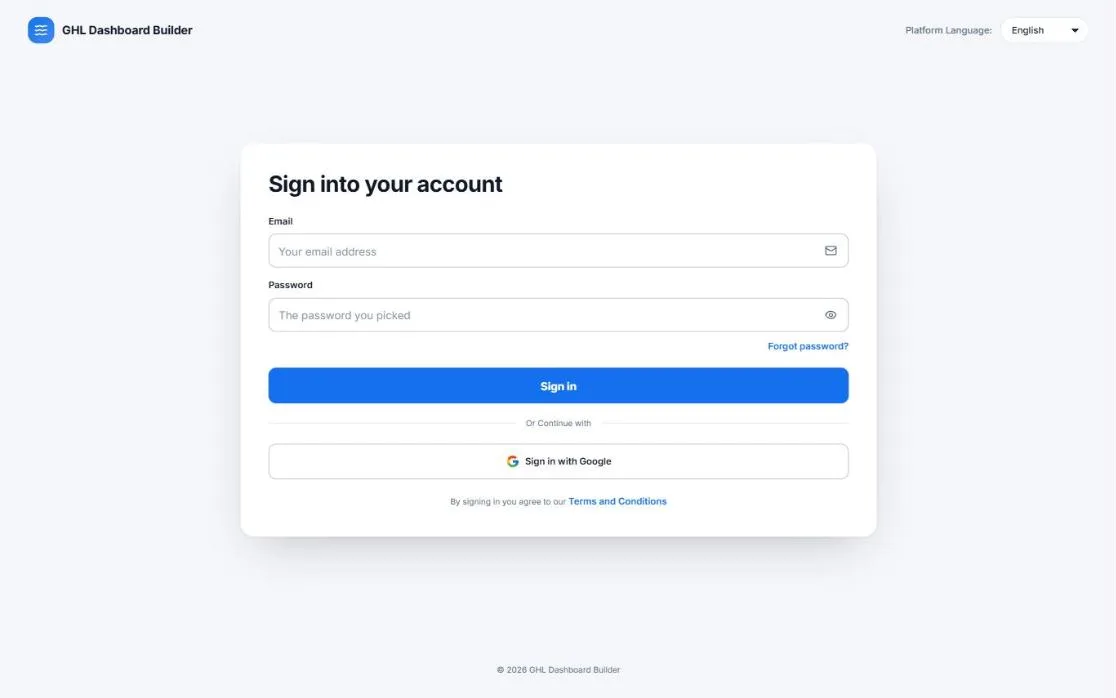
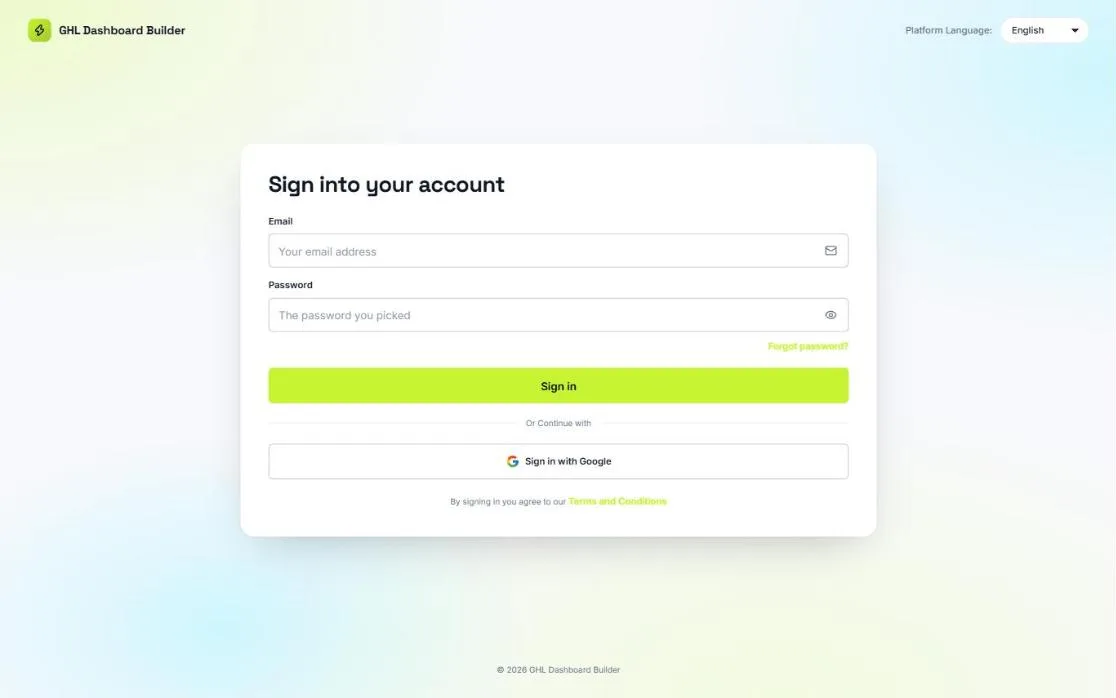
Clean cardA simple white card on a calm background 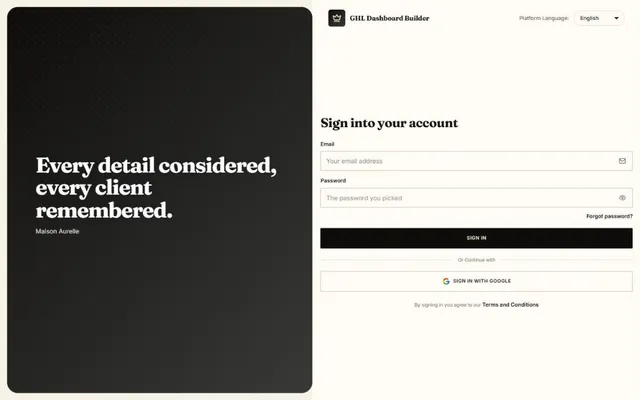
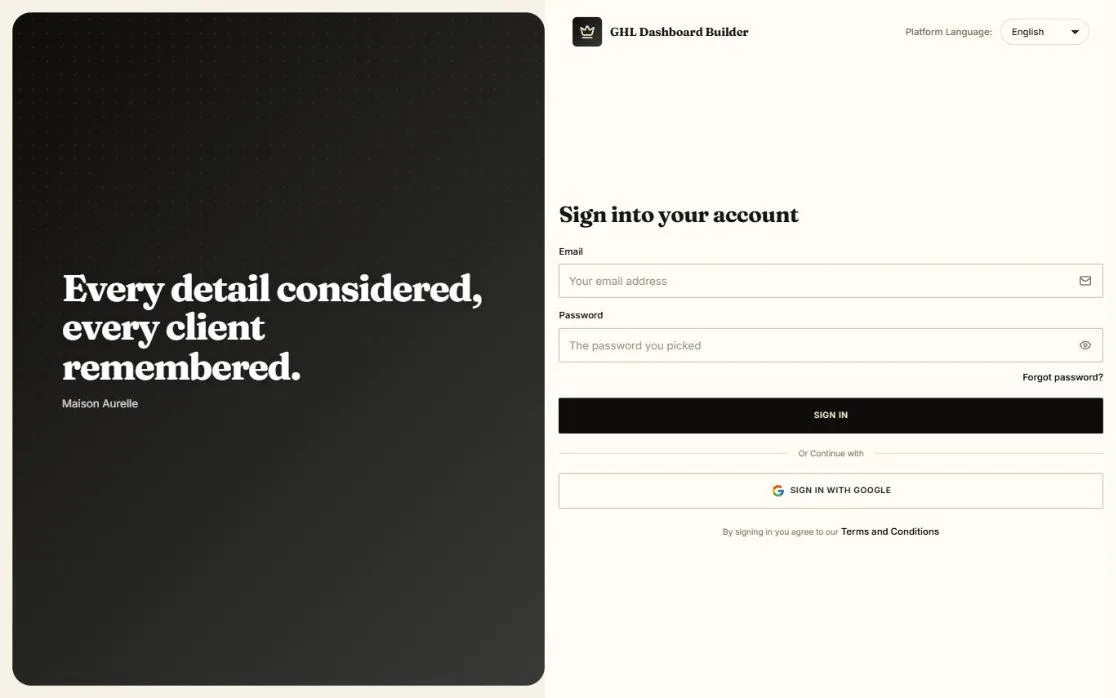
Brand panelYour headline in a bold panel beside the form 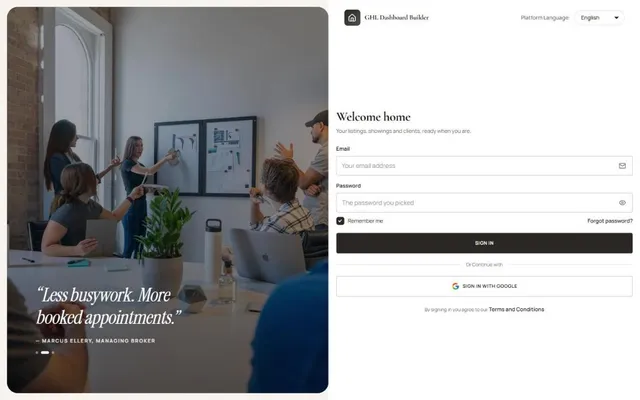
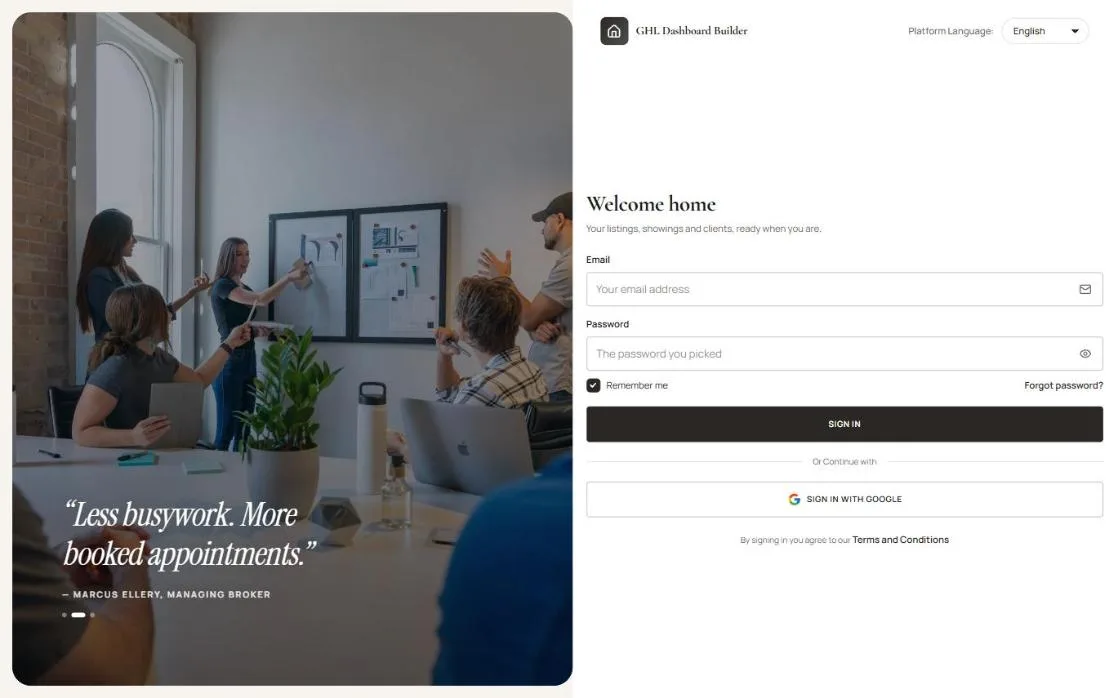
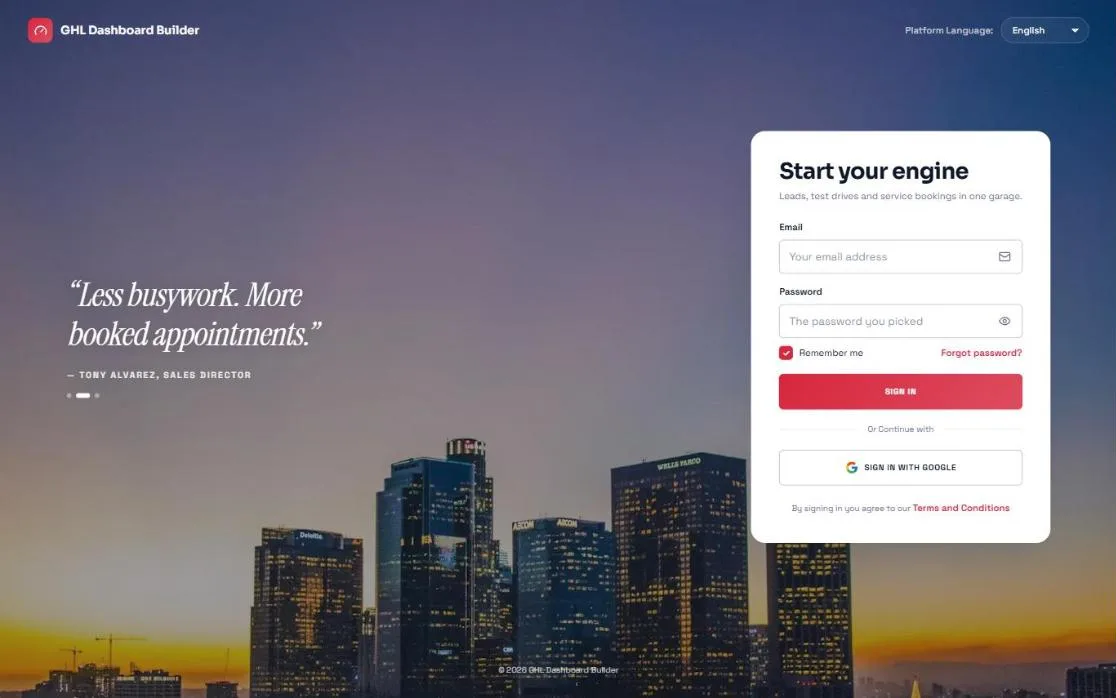
Photo splitA photo with rotating client quotes 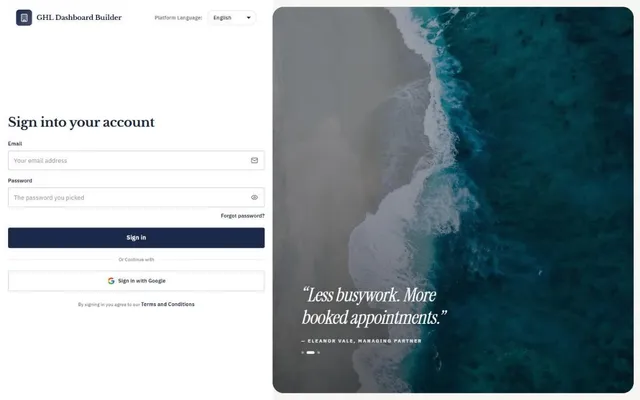
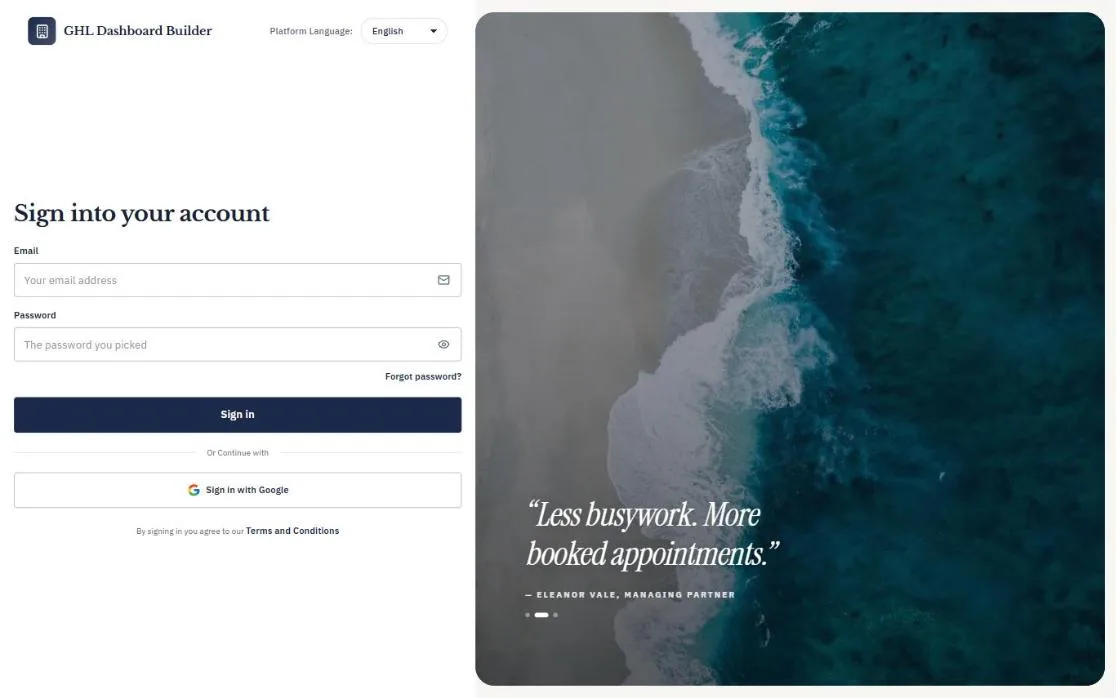
EditorialForm on the left, a full-height photo on the right 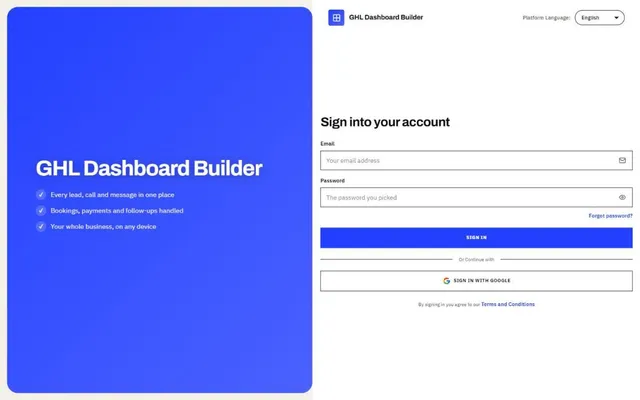
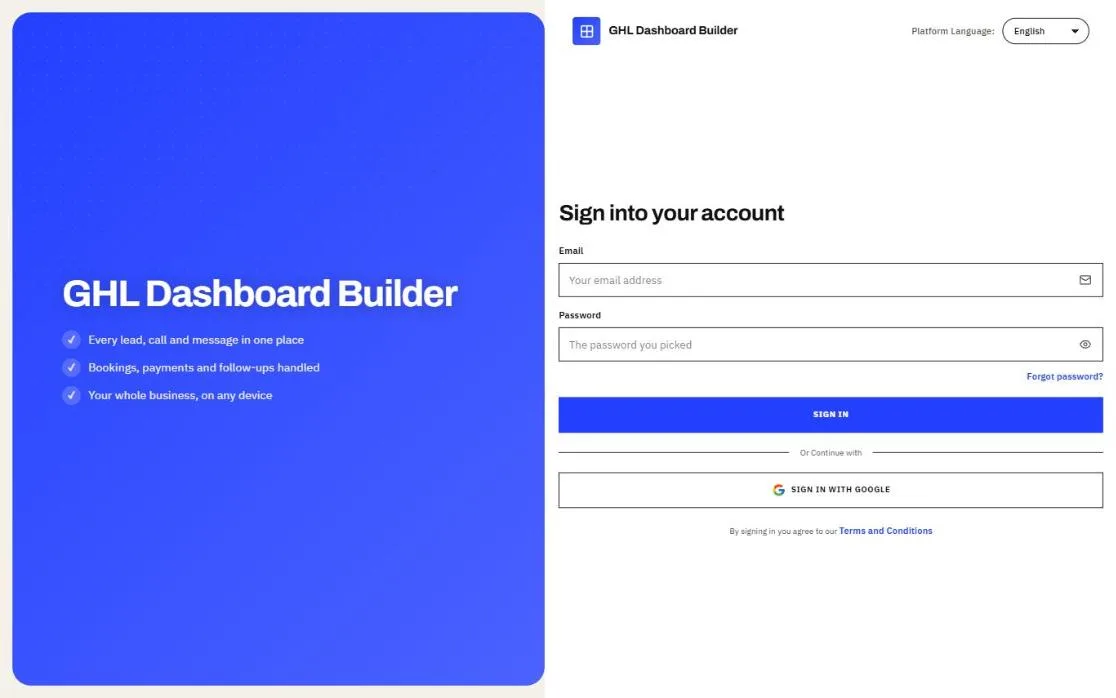
Highlights panelThree reasons to sign in, in your colour 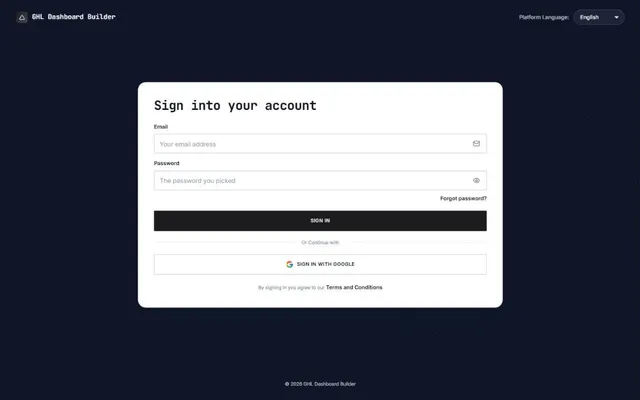
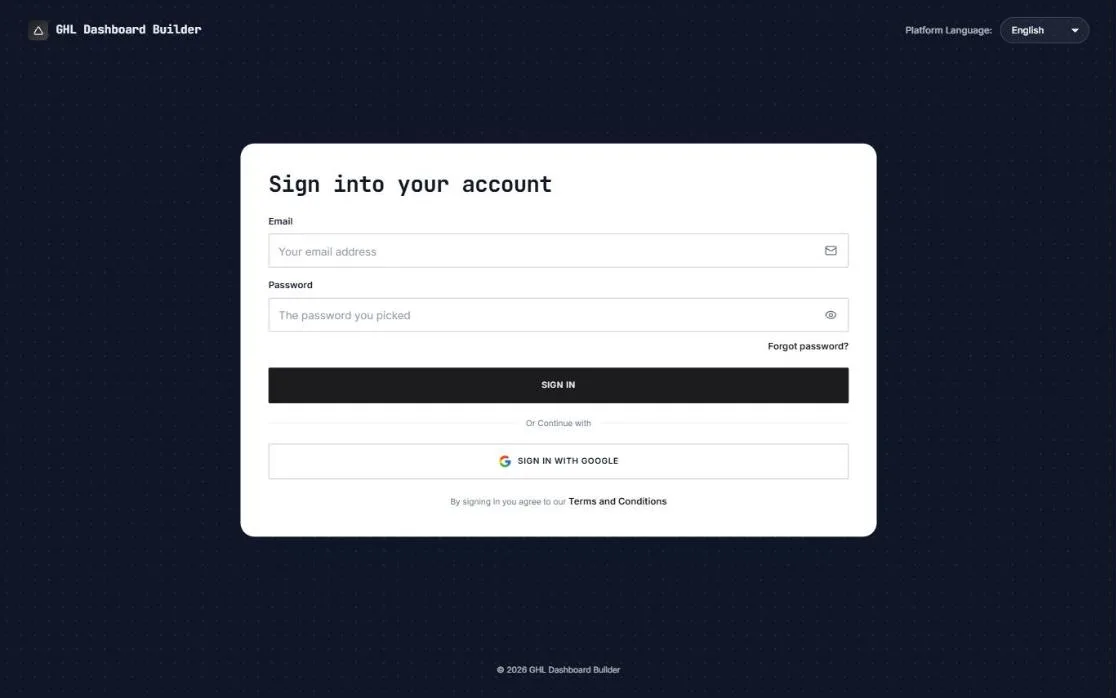
MidnightA white card on a dark dotted backdrop 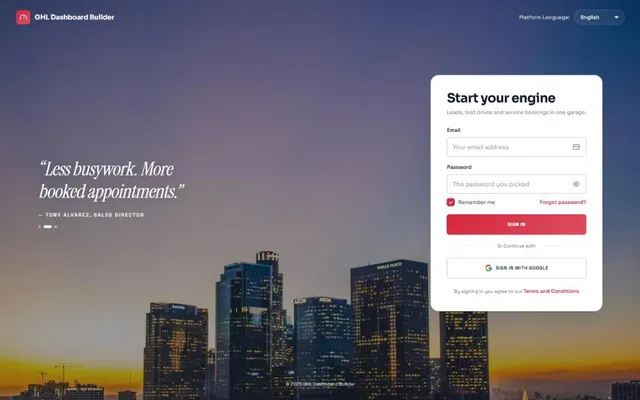
CinematicA full-screen photo with a quote and a side card 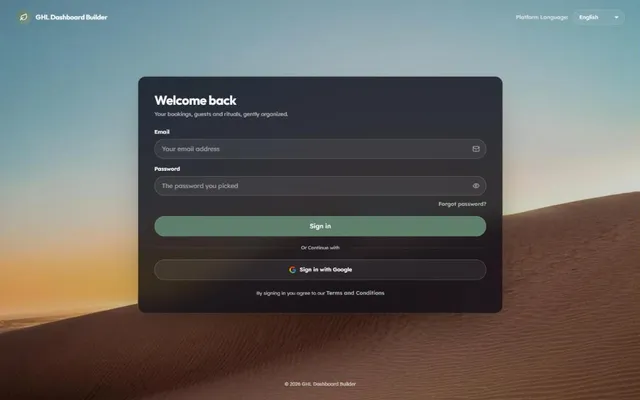
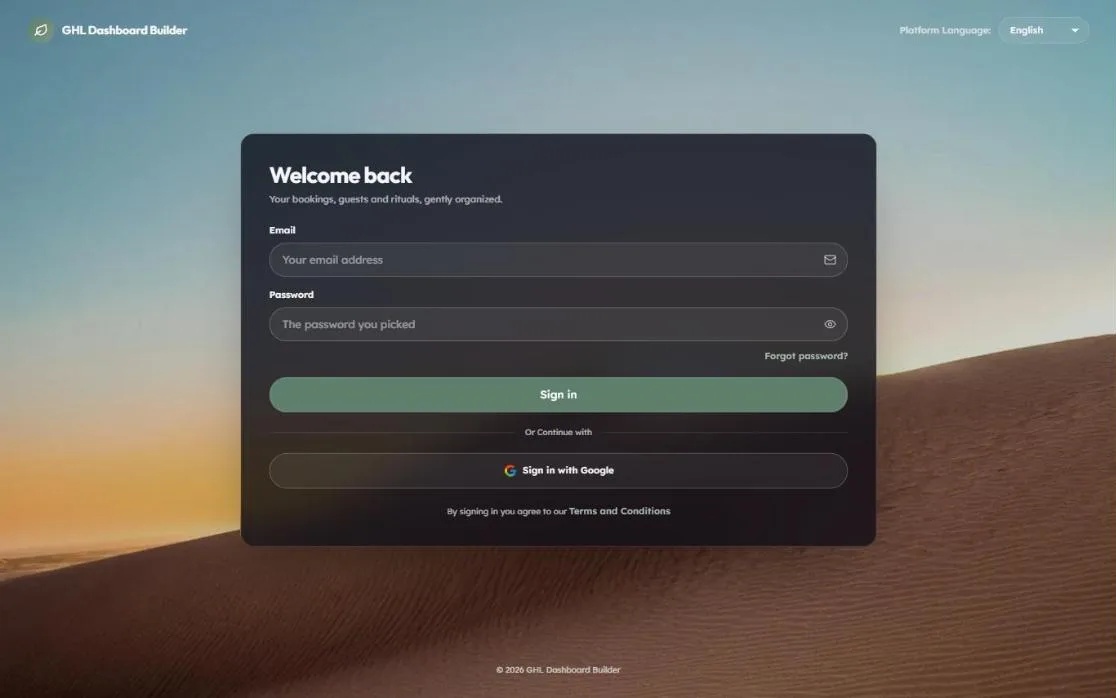
Frosted photoA frosted dark card over a landscape 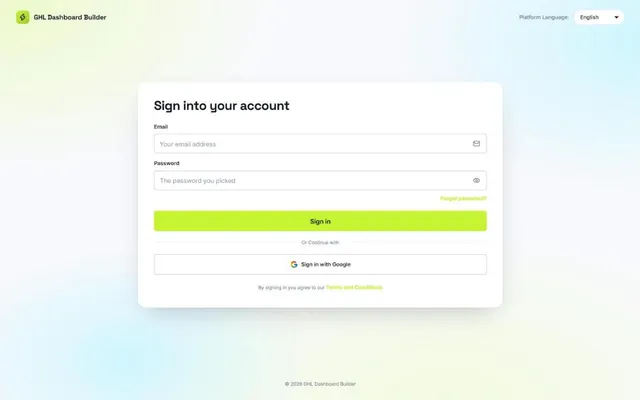
Gradient meshSoft colour glows behind the card 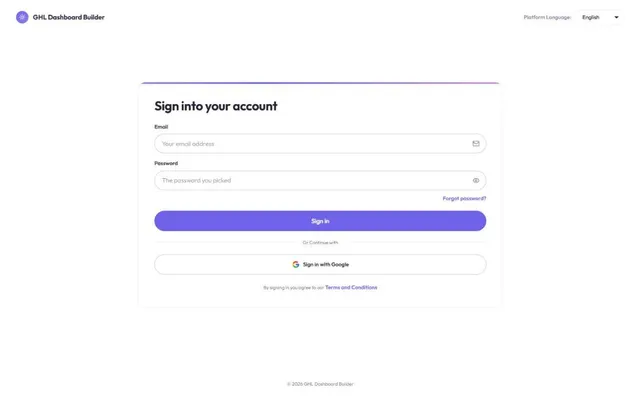
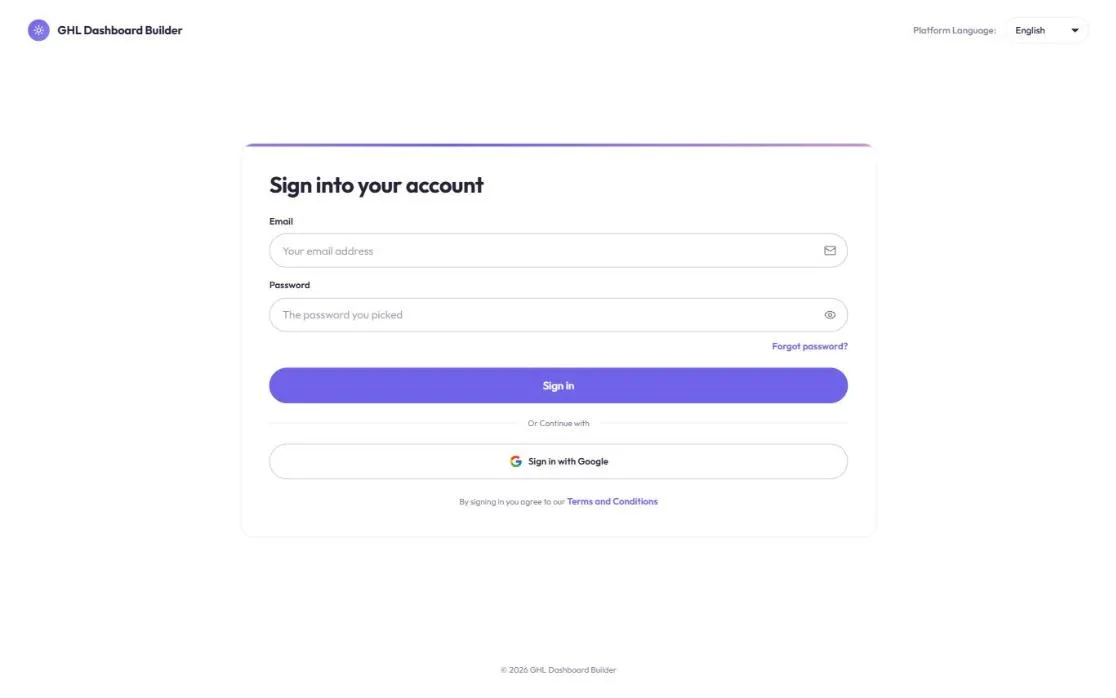
Minimal glowClean white with a brand accent bar 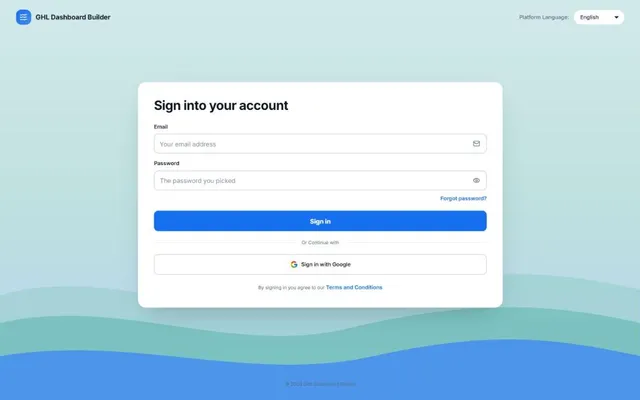
Ocean wavesLayered waves in your colours 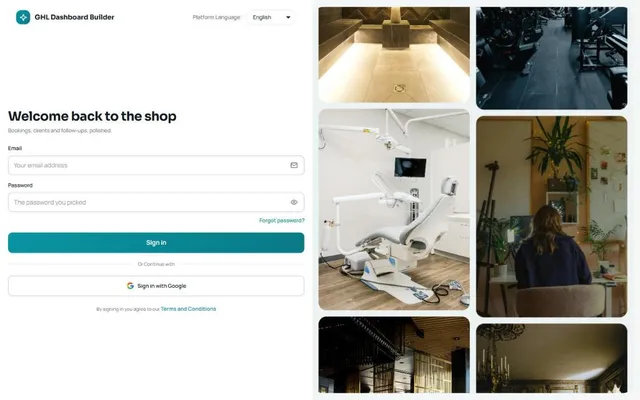
Photo wallTwo columns of photos gliding past
How it works
GoHighLevel login page customization in three steps
No developer needed, and nothing changes in HighLevel until we install it.
- 1
Design it in the builder
Open the Login section, pick a design and set your colors and text. Free, no sign-up, on a live copy of HighLevel's screens.
- 2
Choose a plan
Pay once for your plan plus a one-time $100 setup fee. No monthly fees.
- 3
We install it in HighLevel
We add two short lines to Settings → Company → Whitelabel → Custom Code (CSS and JavaScript), configure it and check every screen.
Compare
Ways to change the GoHighLevel login page
| Question | Login page CSS by hand | Login page builder add-ons | GHL Dashboard Builder |
|---|---|---|---|
| Coding needed | Yes | No | No |
| Matches your dashboard theme | Only if you style both | Separate tool | Same design, one install |
| Preview first | No | Varies | Yes, live |
| Ready-made designs | None | Varies | 13 |
| Updates after HighLevel changes | You | Varies | 12 months included (lifetime on Agency) |
Which plan? The branded login page is part of Pro and Agency. Starter keeps HighLevel's standard sign-in page with your logo.
See plansFAQ
GoHighLevel login page customization: questions agencies ask
Where is the GoHighLevel login page set up?
Your white-label domain and agency logo come from HighLevel's own agency settings. The login page's design comes from custom CSS in Settings → Company → Whitelabel → Custom Code, which is where the login design installs.
Will the login page change for all my clients?
Yes. The login page is shared by your whole agency, so every client sees the same branded sign-in screen. It isn't tied to a sub-account, because nobody has signed in yet.
Can I add a background photo to the GoHighLevel login page?
Yes. Choose a photo layout and use your own image or one of the included photos, with an overlay so the form stays readable.
Does the login page design affect sign-in?
No. It only changes how the page looks. Sign-in, two-factor codes and password resets still work exactly as HighLevel built them.
Which plan includes the login page?
Pro ($480) and Agency ($880), both one-time payments with no monthly fee, plus a $100 one-time setup fee for installation.
Give your clients a branded login page
Try it free in the builder, no sign-up. When you're happy, pay once and we install it for you.